
After my last post, a few people reached out asking the same thing. Okay, but how did you actually do it? Where did you start? What did you use?
So here’s how it went. The real version, not the one where I pretend I had a plan.
Start with your environment, not a course
The first thing I did wasn’t enroll in anything. It was delete things. Games off the phone. Instagram and Facebook, gone. I kept Reddit and Twitter but gutted them down to communities where people were actually building with AI. Subreddits like r/ClaudeAI, r/vibecoding. Twitter accounts of people shipping agents and apps with Claude Code.
Within a few weeks, it started to feel uncomfortable to not be doing it. I was watching people with no more technical background than me ship real products. PMs, designers, marketers. People who three months ago were in the same spot I was. When your feed is full of that and you’re standing still, inertia stops feeling like safety. It starts feeling like falling behind.
Your environment will do a lot of the work if you let it.
Enjoying this?
Get the next essay in your inbox, most Sundays.
Three cheap courses, and the method that saved me
I enrolled in three Udemy courses. Each one cost under 500 rupees. I’m not going to pretend I found the three perfect ones. I just picked what looked relevant and started.
Here’s what actually worked. I went through each course twice.
First time, fast. Didn’t stop when something was unclear. Didn’t try to understand everything. Just moved. The goal was to build a mental map of the terrain.
This wasn’t some deliberate strategy. It was desperation. These courses assume background knowledge they never explain, then circle back to it three modules later. Trying to follow everything in sequence was getting me stuck. Going fast broke that. By the end of the first pass, I had a rough picture of the whole thing.
Second pass, slow. Side-by-side with Claude Code, actually building as I went. And nothing intimidated me anymore because I’d already seen where everything was heading. The unknown had become familiar.
Build things. Increasingly harder things.
Courses will only take you so far. At some point you have to make something.
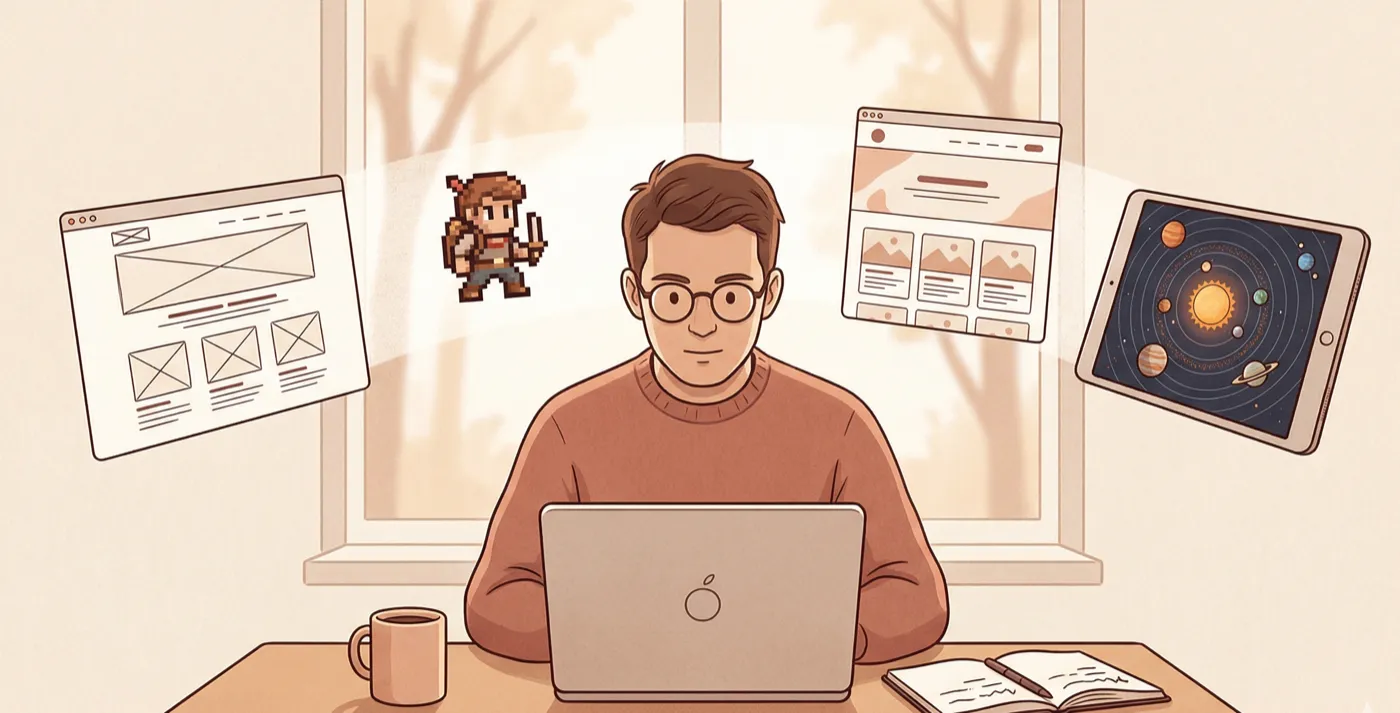
My first project was about as small as it gets. A single-page website that called the Anthropic API and took user input. One day, done. That project taught me how to use an API in production and how to deploy to Vercel through Github. Basics. But I didn’t know them before that day.
Then I built my personal website. That was a different kind of hard. Not technically complex, but full of design decisions I hadn’t had to make before. Multiple pages, real structure, figuring out what goes where and what the whole thing should feel like.
The pixel art game taught me about working with external assets. Game sprites, sound files, things that have nothing to do with code but everything to do with getting a project to feel finished.
Then the iPad app. The building was actually the straightforward part. Getting it listed on the App Store was the real challenge. Provisioning profiles, review guidelines, metadata. An entirely different skill set that no coding course prepares you for.
Each project was harder than the last. But each one was possible because of what I’d learned from the one before it. The whole arc took about eight weekends over two months. Not a year. Not a sabbatical.
Starting small is the correct sequence. If I’d tried the iPad app first, I’d have quit.
The workflow that made it click
The building is manageable. The debugging will break you. When you can’t code and something goes wrong, you can’t read through the code to figure out why. You’re just stuck.
Claude Code is a strong programmer. But when the problem is architectural, when it’s about what the code is supposed to be doing, you need more than a good coder. You need a thinking partner who already understands the full picture of what you’re building.
I figured this out later than I should have. Early on, I was doing everything inside Claude Code. Concept, build, debug, all in the same place. It was messy. I’d get halfway through something and realize I hadn’t thought through a basic design decision.
So I stopped doing both in the same place.
I started using Projects in Claude.ai as my brainstorming space. Before touching Claude Code, I’d work through the full project there. What am I building. What are the components. Where will it probably break. What should I watch out for. Projects keep context across sessions and let you pin important reference files, so I wasn’t re-explaining my project every time I came back.
By the end of a brainstorming session, I’d have three files ready. A claude.md with all the context Claude Code needs to understand the project. A prompts.md with the sequence of prompts I’d use to build it step by step. And a handoff.md tying it all together. By the time I opened Claude Code, I had a clear brief. I wasn’t figuring out what to build and how to build it at the same time.
And when something broke, I had a brainstorming partner that already understood the full picture. I could describe the problem in plain English and work through it without needing to trace through every line of code myself.
That separation between thinking and execution is what made this work for someone who isn’t a developer.
On tools: don’t be cheap here
The courses were 500 rupees each. That’s where to be frugal.
Start with Claude Pro at minimum. The free tier will frustrate you. You’ll hit rate limits right when you’re in the middle of something and lose all momentum. If you go deeper and find yourself using it every day, upgrade to Max. That sounds expensive until you compare it to the opportunity cost of not learning this at all. A hundred dollars a month to acquire an entirely new capability is one of the better trades available right now.
None of this required a computer science degree. I’m a product manager. I approached this the same way I’d approach any product problem. Understand the terrain, start small, ship something, learn from it, go again.
The discomfort of being a beginner is temporary. The discomfort of knowing you should be learning and choosing not to is permanent.
But the first time you see your own website live on the internet. Your own app sitting in the App Store. Something you made, that works, that people can actually use. You don’t forget that.
Eight weekends. That’s all it took.