
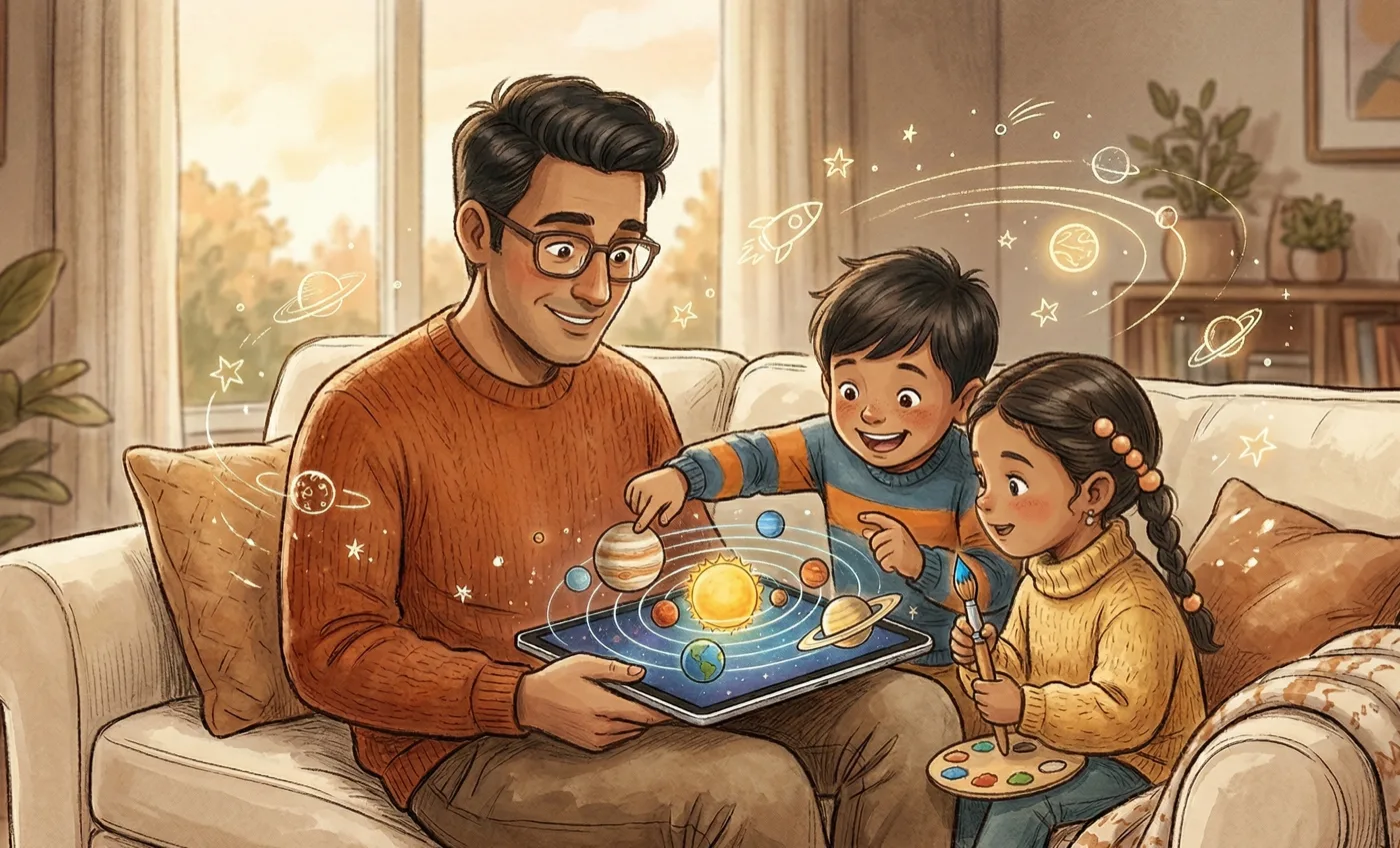
My son asked me what would happen if an asteroid hit Earth. I was working on my laptop.
I didn’t have an answer. I Googled it. He followed up with where the asteroid belt is, how big Jupiter is compared to Earth, and why the Moon goes around Earth but Earth goes around the Sun. This is a regular Tuesday in my house.
Everything out there for kids his age is either static or passive. Images in a book. A three-minute YouTube video about Saturn’s rings. Nothing he could touch or play with. He wanted to interact with the solar system. The options available were “look at the solar system.”
So I built a browser-based solar system explorer. React, Three.js, a weekend project. Drag to orbit, pinch to zoom, tap any planet to get fun facts. 22 celestial bodies. A spacecraft mode to fly between worlds.
My kids used it a few times and moved on.
Enjoying this?
Get the next essay in your inbox, most Sundays.
Fair enough. A laptop browser isn’t how a five-year-old wants to explore space. An iPad is. Touch, pinch, rotate. That’s how kids already expect things to work.
So the next step was an iPad app. I had never opened Xcode. I didn’t know Swift or SwiftUI or RealityKit. But I’d already shipped a browser game and a full website redesign using the same workflow: plan everything in Claude AI, break it into phased prompts, hand those to Claude Code. The question was whether that process would survive a platform I’d never touched.
It did. Four weekends. And the part that surprised me most was that the code was the easy part.
The code was the easy part
I spent a couple of days before writing a single line of code. Not learning Swift. Not watching tutorials. Just planning. What should this app be? How should the screens connect? What data does each view need? That planning phase produced 23 or 24 Claude Code prompts. Every screen, every interaction, every animation, mapped out before Xcode was even open.
Claude Code wrote the Swift. I reviewed the output. Most of it worked on the first or second pass. The gap between “I’ve never written SwiftUI” and “I have a working iPad app” turned out to be about two weekends of focused building. That’s not a statement about AI in general. That’s what happened on this specific project, with this specific workflow, because the planning was done properly before a single prompt was sent.
Skip the planning and you’ll spend your weekends debugging instead of building. I’ve seen that happen too.
Six modes because I watched my kids
The original plan was simple. Rebuild the browser explorer as a native iPad app. Better touch controls, better 3D.
Then I started paying attention.
My son would explore for a bit, learn some facts, and then want more. He kept asking “what if” questions. What happens if Jupiter disappears? What if Earth had two suns? He wanted to test ideas, not just read facts.
My daughter had a completely different reaction. She asked if she could color Jupiter. Could she make it cuter? She’s into fine arts and drawing. The solar system was interesting to her only if she could make it her own.
So the explorer became one of six modes. Size comparison. Quiz with badges and ranks from Space Cadet to Admiral. Customize, where you pick any planet and paint it however you want. My daughter painted Saturn pink with polka dots and a lot of hearts. That’s the section she opens every time.
Then the hard stuff. “What If” lets kids remove planets or add suns and watch the gravitational impact in real time. “Build Your Own Solar System” lets them place stars and planets wherever they want, then switch to gravity mode and see if their creation survives actual physics.
None of this was in the original spec. All of it came from watching two kids use the first version.
The one part that was genuinely hard to build
Both “What If” and “Build Your Own” depend on gravity simulation. Get the formulas wrong and planets don’t stay in their orbits. They fly off the screen. Or crash into each other. Or freeze.
Claude Code wrote the calculations. I verified visually after every build. Planets drifting out of stable orbits. Moons colliding for no reason. Rebuild, test, watch things break, rebuild again. Several iterations before the simulation held.
This was the exception. You can review most code by reading it. You can’t review physics by reading it. You have to run it and watch. Every time.
Everything that was actually hard had nothing to do with code
I registered for the Apple Developer Programme. Paid the $99. Waited for the license. Two of my four weekends were just waiting.
Once the license came through, I submitted the app. It got rejected.
Not because of the app. I had included an in-app purchase, a 7-day free trial with a $2.99 unlock, but I hadn’t filled in my taxation details and residential status. Apple requires that paperwork before they’ll approve anything with an IAP. Nobody tells you this upfront. You find out when you get the rejection email.
Filled in the forms. Resubmitted. Approved.
The IAP itself was a deliberate experiment. I wanted to understand how App Store pricing works across geographies, how trial mechanics function, how the paywall connects to your developer account. I kept it live for about a week, then removed it and made everything free. The app is for my kids. But the process taught me things I couldn’t have learned by reading documentation. How IAPs actually work. How Apple’s review process actually works. How to push an update to a live app. You learn these things by doing them, not by reading about them.
If you’re planning to put an app on the App Store: get your Apple Developer account ($99/year) early. The license takes days, not hours. Fill in every tax and legal form before you submit. If you have an IAP and the paperwork isn’t done, Apple will reject you. Review takes a day or two. If you get rejected, read the reason carefully. It’s almost always procedural.
Four weekends
Two weekends of building. Two more of waiting, submitting, getting rejected, filling forms, resubmitting, and fine-tuning in between.
The app is called Planetia. Free. iPad only. No ads, no tracking, no accounts. Six ways for kids to mess around with the solar system.
My son is grinding through quiz ranks. My daughter keeps repainting Saturn.
If you’ve been sitting on an app idea, the thing standing between you and the App Store isn’t code. It’s the Apple Developer account, the tax forms, the review process, and the patience to deal with all of it. The building part? That’s a couple of weekends now.