
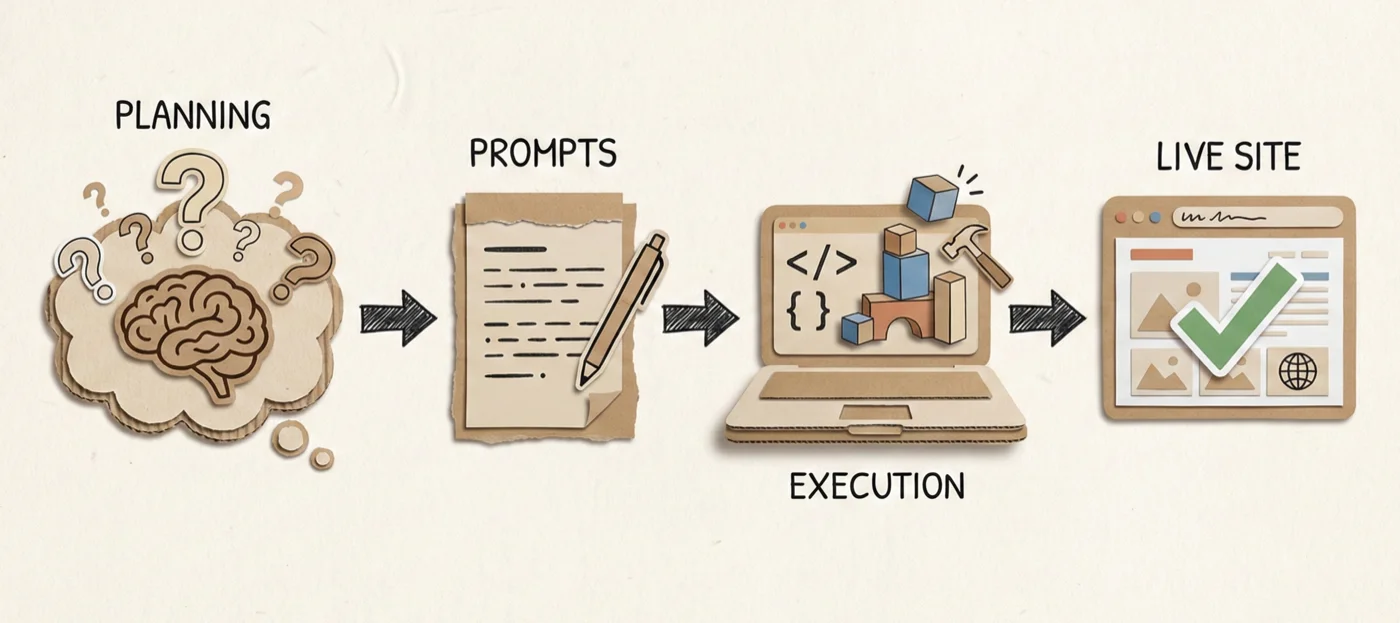
This website went from idea to live in about three days. Four or five working sessions spread across a weekend and a couple of evenings.
I’m not a developer. I can’t read code, I don’t debug code and I don’t write JavaScript for fun. So when I decided to build a personal site, my goal wasn’t to learn web development. It was to get something live that I wouldn’t be embarrassed to share.
Here’s what I actually did.
The real work happened before I wrote any code
I didn’t open Claude Code first. I opened Claude.
Inside a project in Claude (the web version), I started describing what I wanted: a place to publish articles, showcase side projects over time, list my speaking engagements. Not a portfolio exactly. More like an experiment playground that I could keep adding to.
Enjoying this?
Get the next essay in your inbox, most Sundays.
Claude asked good questions. What’s the site for? Who’s the audience? Do you have content ready? It recommended Astro for the framework, suggested a folder structure, and when I mentioned I had rough outlines for a few articles, it helped me finish writing them.
By the time I was ready to build anything, I had a complete content package: three finished articles, an about page, speaking entries, and a reference document with the exact folder structure, page requirements, and design guidelines.
Then I asked Claude to do something that felt almost like cheating.
”Give me the prompts I should use in Claude Code”
I asked Claude to generate step-by-step prompts that I could feed into Claude Code to build what we’d just planned together.
It gave me a markdown file with eight or nine prompts. Phase 1: scaffolding. Phase 2: home page and writing list. Phase 3: add articles. And so on.
The prompts weren’t magic. They were just clear. “Create a new Astro project with this folder structure. Clean, minimal design. Mobile-responsive.” “Build the /writing page that lists all articles as cards with title, description, category, and date.”
I opened Claude Code, copy-pasted the first prompt, and watched it work.
Most of it was copy-paste
That’s the part that surprised me. I expected to be debugging, tweaking, going back and forth. Instead, I was mostly just pasting the next prompt.
There were minor adjustments. Sometimes I’d clarify something Claude Code asked about. Occasionally I’d say “actually, make the font size a bit larger” or “move the social links below the tagline.” But the structure of the build was already decided. Claude Code was executing a plan, not figuring one out.
The entire scaffolding, all six pages, the article templates, the deployment to Vercel. It followed the script.
Skills emerged from friction
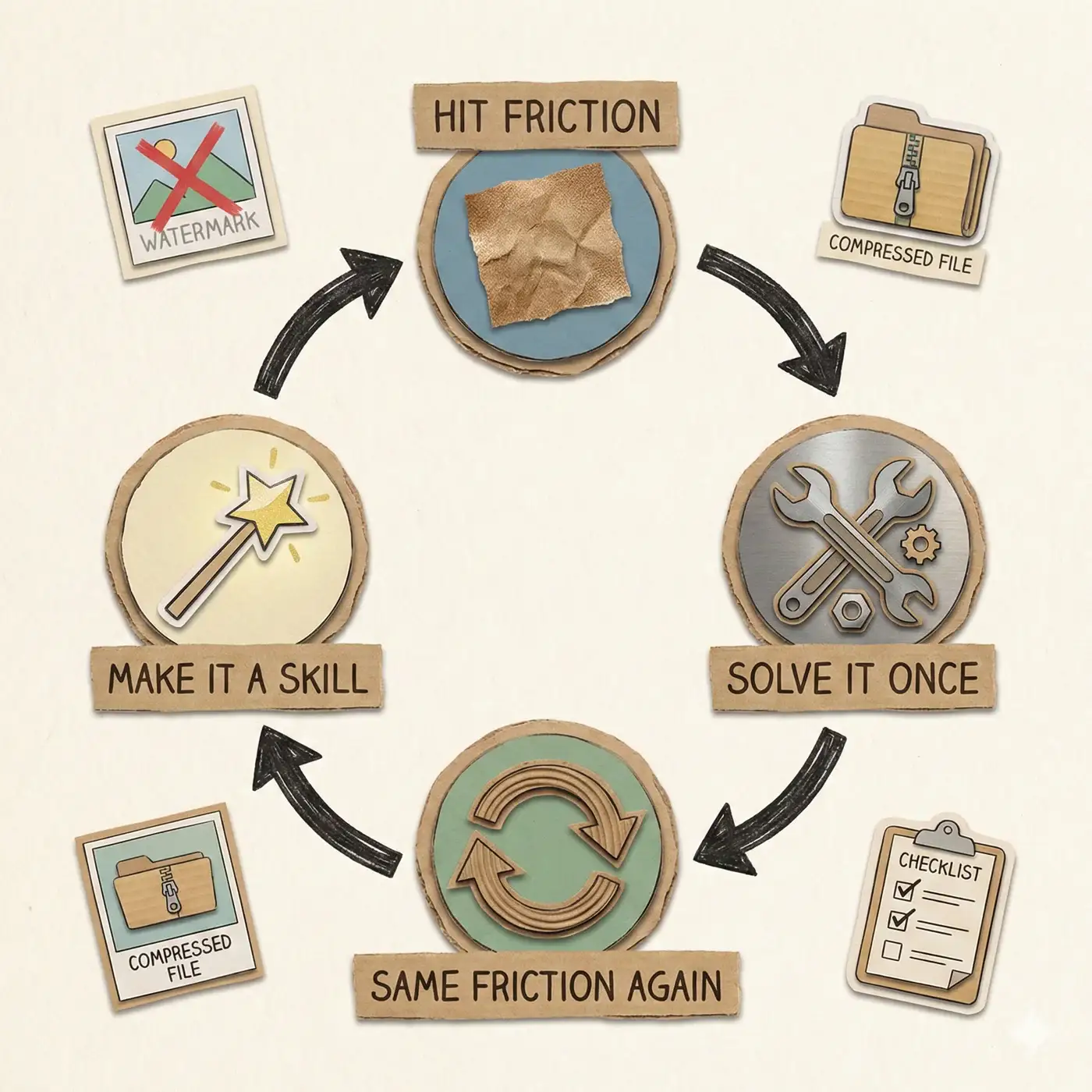
The watermark thing is a good example.
I’d generated images for the articles using Gemini, but they had a small diamond watermark in the corner. I asked Claude Code to crop it out. It tried, said it was done, but when I checked the image, the watermark was still there. Just partially cropped.
So I took a screenshot showing exactly where the watermark was still visible. Claude Code looked at it, adjusted, tried again. Still not quite right. Another screenshot. Another attempt. Three or four rounds before it finally got it right.
And that’s when I thought: I’ll need to do this for every article. Why not turn this into a command I can reuse?
That’s how my first Claude Code skill was born. A one-liner that crops Gemini watermarks from any image in a folder.
The same thing happened with image compression. I’d dumped huge PNG files into the project, 3 to 5 MB each. Fine for my laptop, terrible for the web. I asked Claude Code to compress them. It figured out how to resize and convert to WebP, getting 90%+ size reduction. I made that a skill too.
By the end, I had skills for watermark removal, image compression, and a design QC agent that would screenshot every page at different viewport sizes and generate a prioritized list of issues.
None of these were planned. They just emerged when I hit the same friction twice and thought: this should be a command.
What this site actually is
It’s not a portfolio. It’s a playground.
The blog is the first project I’ve deployed here. The next might be a small tool I build while learning something. Or a game. Or an experiment that goes nowhere. The structure allows me to keep adding things without redesigning anything.
The “Projects” section says “Coming Soon” right now. That’s fine. It’s a placeholder for whatever I build next.
The workflow I’d use again
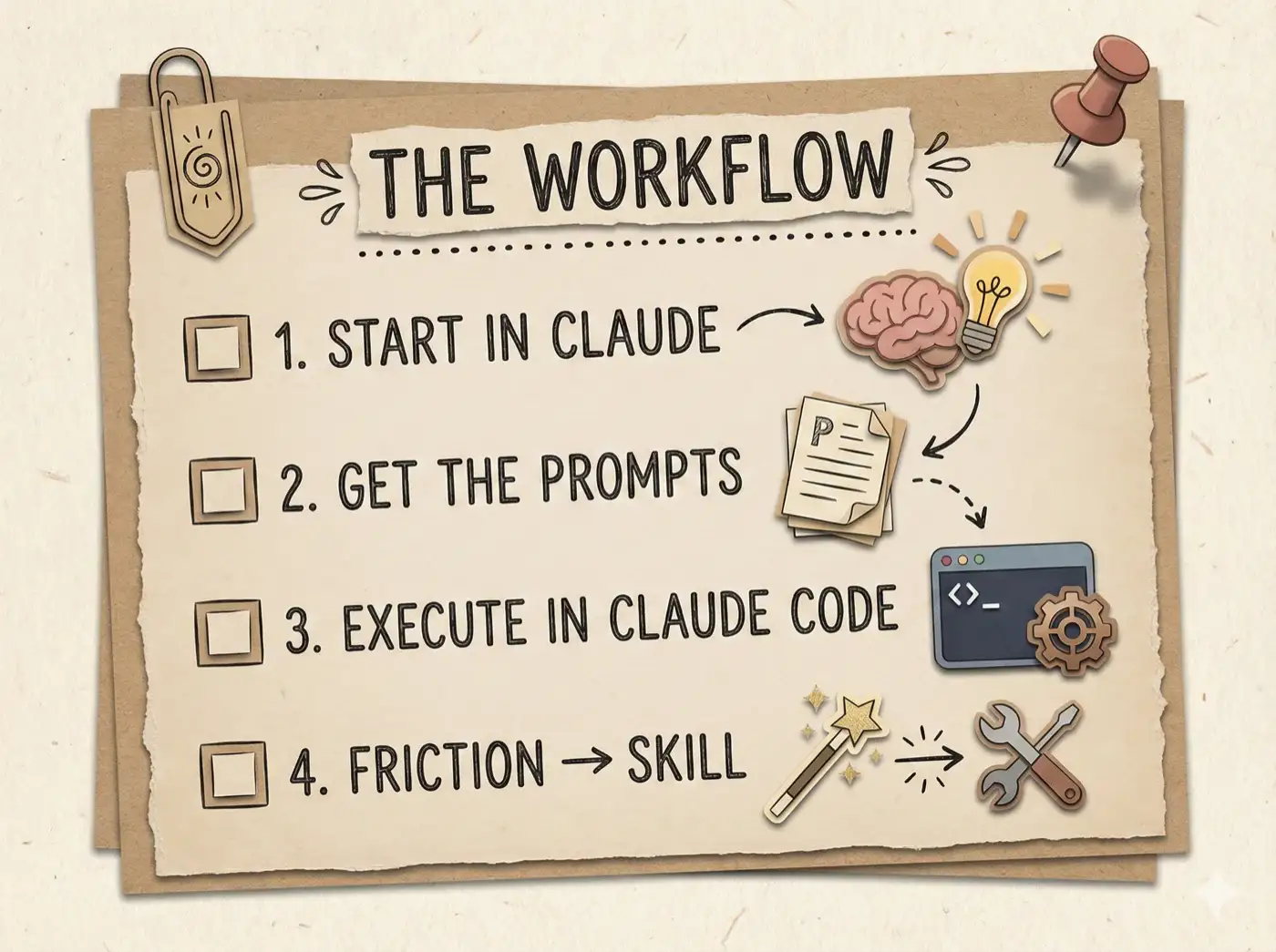
If I were starting a new project tomorrow, I’d do exactly this:
Start in Claude, not Claude Code. Describe what I want. Let it ask questions. Get the plan, the structure, the content sorted first.
Then ask Claude to write the prompts for Claude Code. Not vague instructions, but actual prompts I can copy-paste.
Open Claude Code and execute. Treat it like a build script with a human checking the output between steps.
When I hit friction twice, make it a skill.
That’s it. The site you’re reading is the result.
Built with Claude Code. Planned with Claude first.